


Everything You Need Onsite
Sell, scan, and support from one powerful app to a complete box office and entry management system.
.svg)

Purposefully Simple.
Surprisingly Powerful.
Power doesn’t have to come with complexity. Deploy only what your operation demands and leave the rest behind.

Modular
Build the onsite setup that’s right for your operation. Nothing more, nothing less.

Intuitive
Train staff in minutes. If your fans can buy a ticket online, your staff can sell and scan one.

Fast
Everything your staff needs is right at their fingertips. Speed isn’t a setting, it’s the default.
The Way Your Box Office Should Have Always Worked
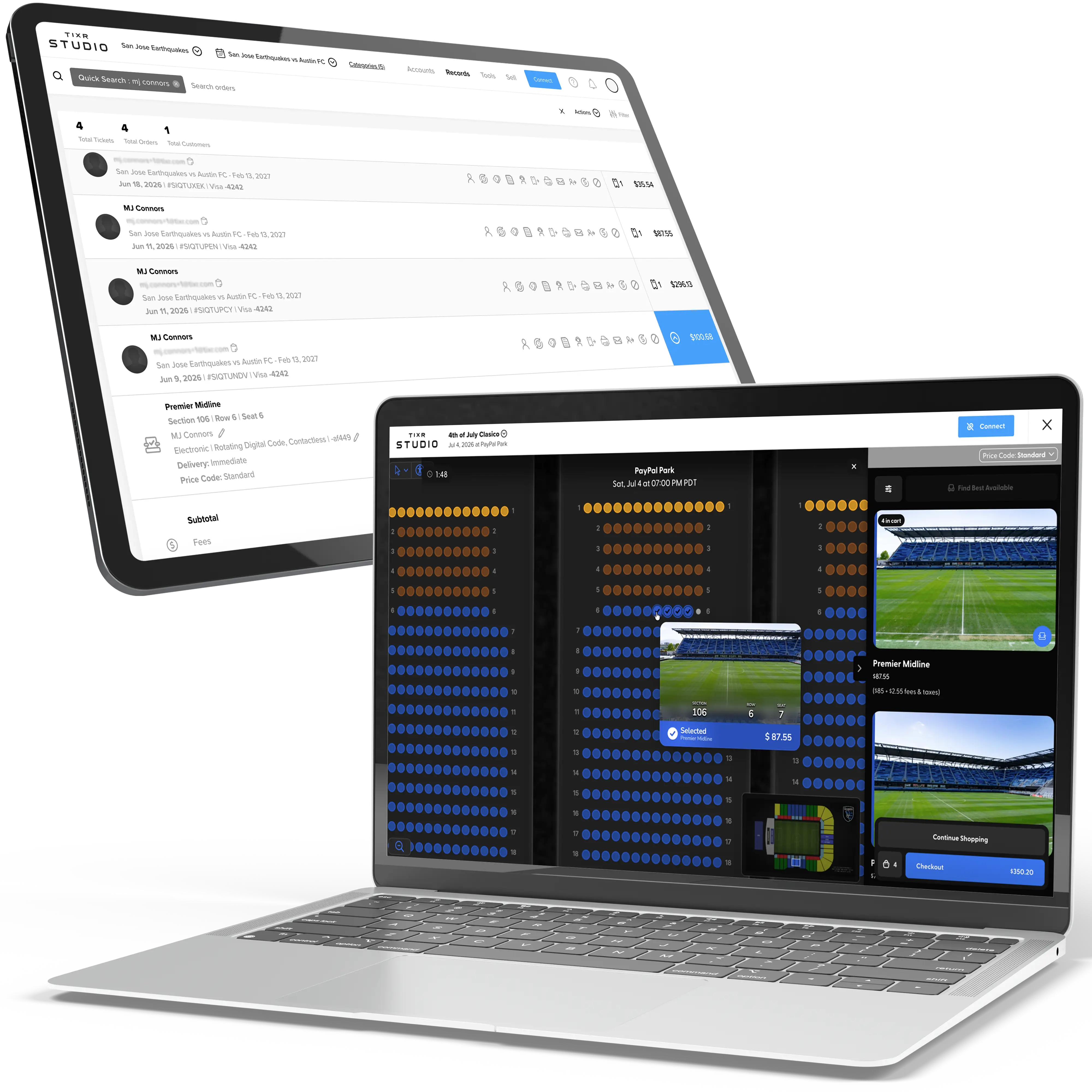
Run a full-service box office from a laptop or iPad, built on the same intuitive checkout your fans already know. No shortcodes. No institutional knowledge required.

Pick seats, take payment, and complete checkout in the same flow your fans use online.

Issue secure digital tickets instantly or connect a BOCA to print hard tickets on demand.

Look up accounts, manage orders, and reissue tickets from the same workspace you sell from.

Handle exchanges, upgrades, transfers, and other post-purchase requests.
Sometimes the Best Box Office Isn’t a Box Office
Unchain your staff from a stationary setup. Put everything they need to sell, scan, and serve fans in the palm of their hand.
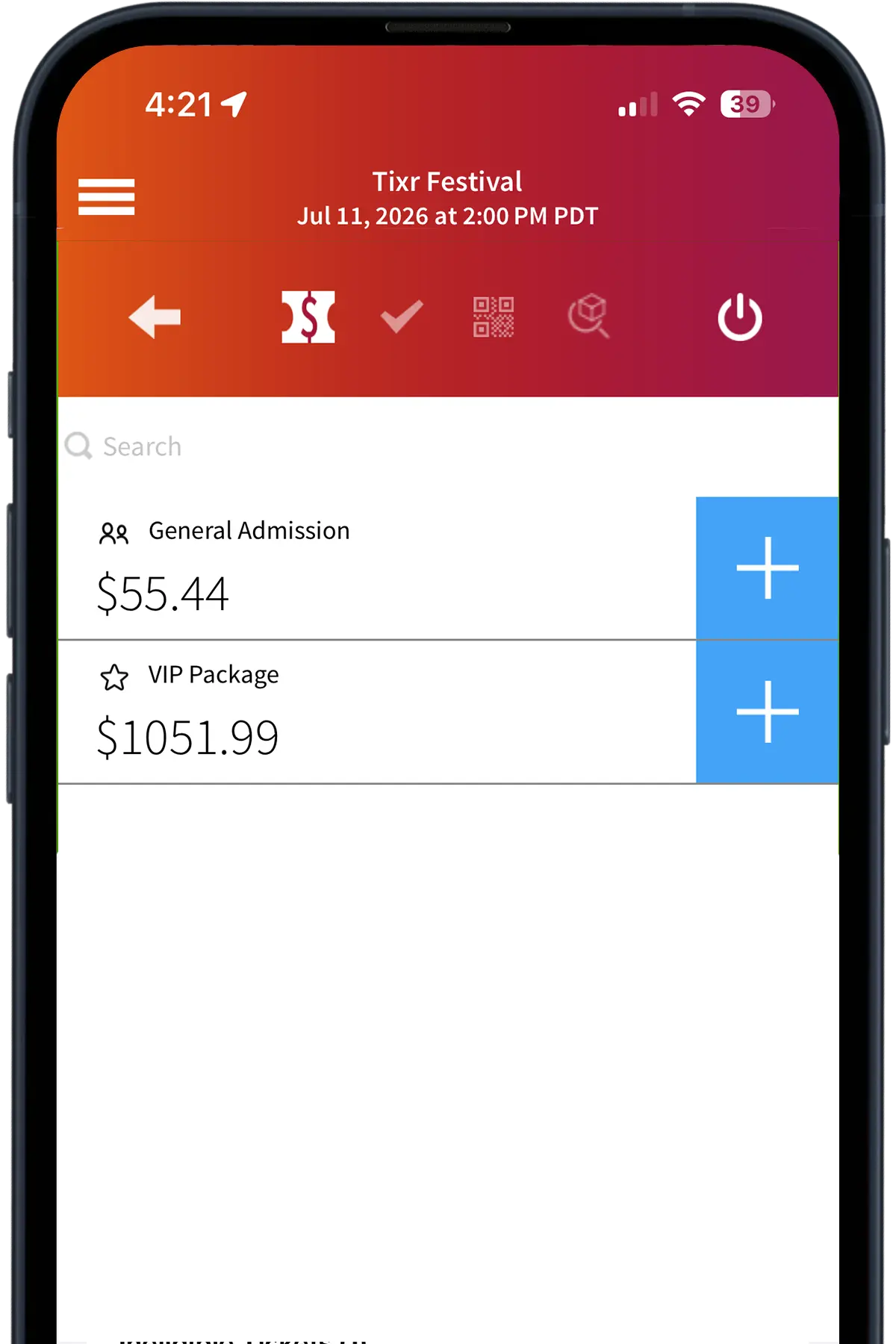
Mobile POS
Take the box office to your fans instead of bringing fans to the box office.
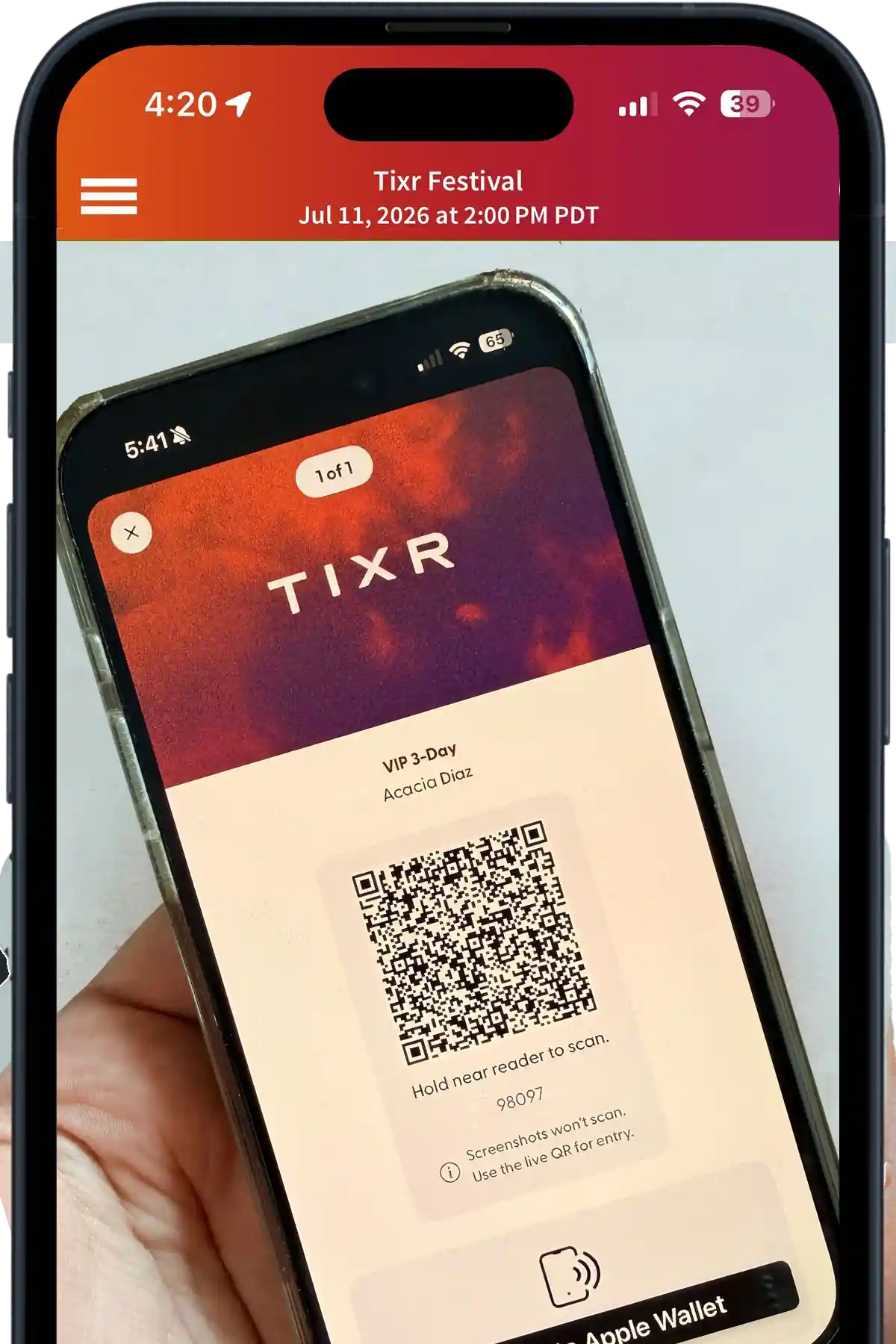

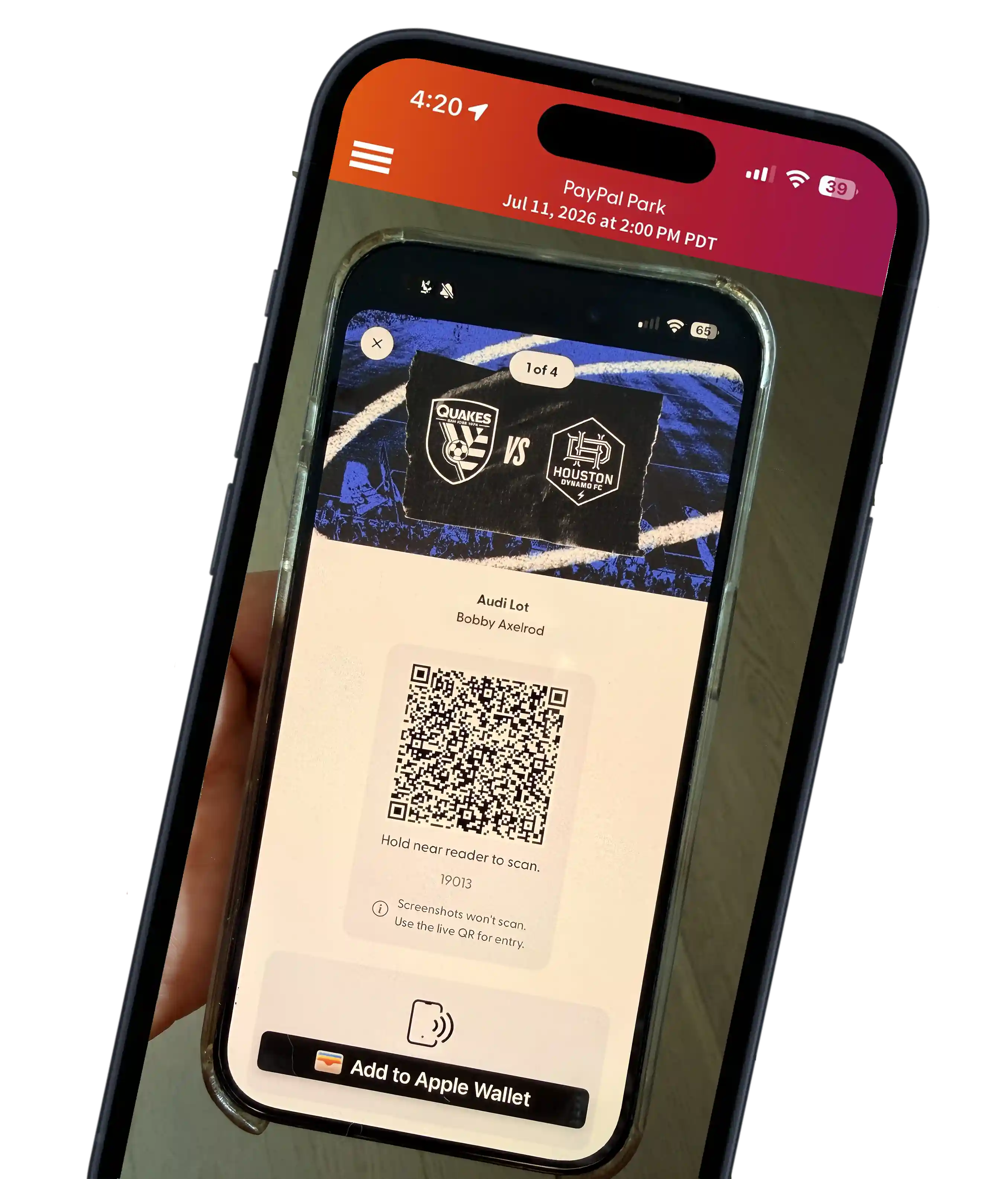
Entry Management
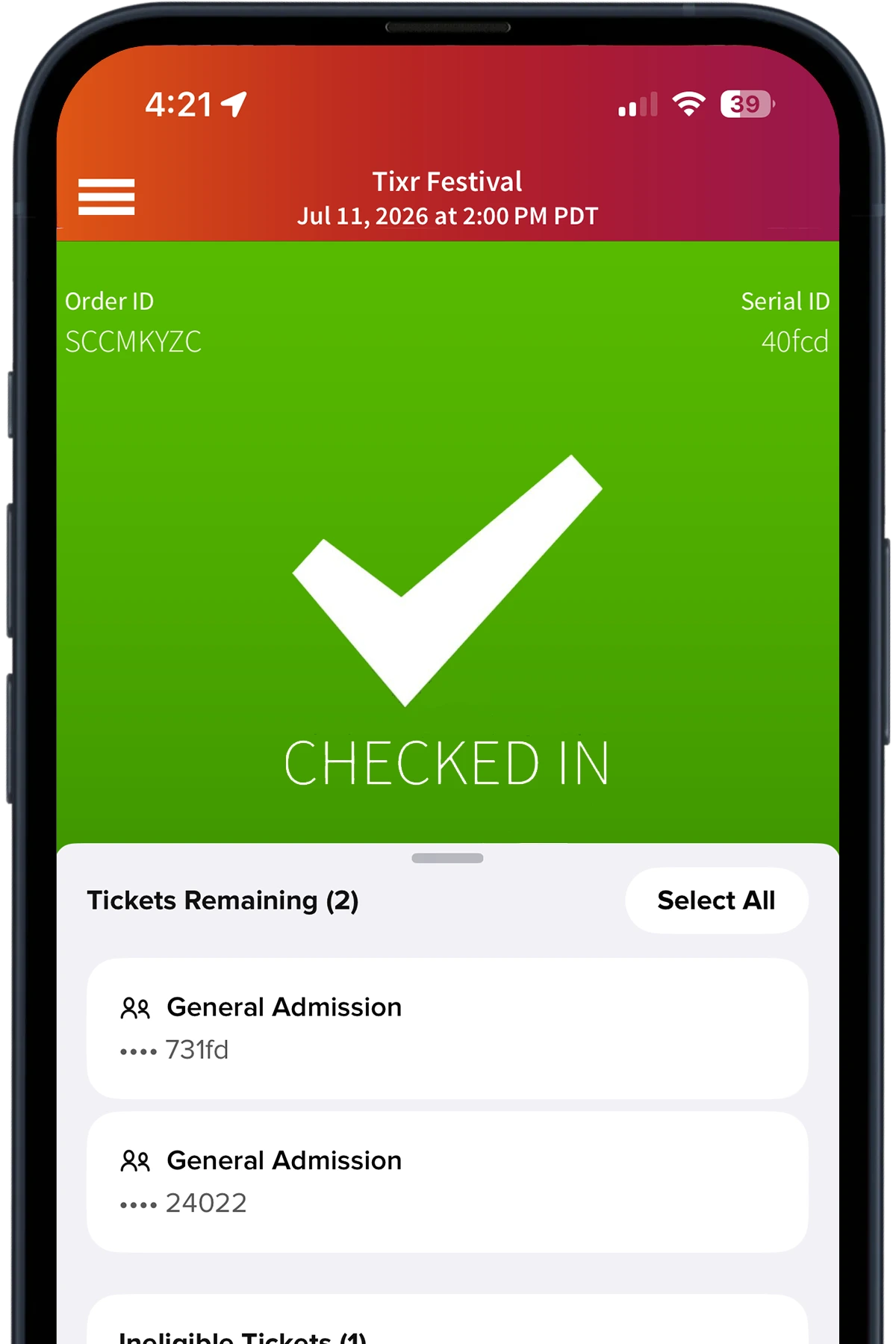
Keep fans moving with fast scanning for individuals and groups.
Order Search
Find and verify orders in seconds without interrupting the flow.

“
We hire a lot of contractors to sell and scan tickets for us onsite. It’s so refreshing to be able to train event staff in minutes with such user-friendly design. I actually trained our gate guy while in the beer line at another event!
Chyna Berben
Program Manager, King of the Hammers


“
Being able to view live scan counts, process orders, and troubleshoot ticketing issues at the gates all from my personal iPhone was a gamechanger.
Kody LaGuire
Sr. Manager, Ticketing Operations, San Jose Earthquakes
Frequently Asked Questions
What types of tickets and scanning methods are best to use?

We recommend using the most secure electronic delivery method that aligns with your business.
- Contactless (NFC) tickets offer the fastest, most secure entry and are compatible with Apple and Google Wallet. Tap-to-enter validation requires NFC-enabled scanners.
- Rotating QR codes refresh continuously and can’t be copied or reused, helping prevent ticket fraud. They can be viewed in the Tixr app or a mobile web browser with an internet connection and scanned with the Tixr Door app using the iOS device’s camera.
- Static QR codes in Apple and Google Wallet, along with printable PDF tickets, can also be scanned with the Tixr Door app using the iOS device’s camera.
Can I check in multiple tickets in a single order at once?
Yes. Tixr supports check in across multiple tickets from the same order for quick and efficient group entry.
Can I look up an order if a fan loses or can’t access their ticket?
Yes. Staff can search by name, email, or order details in Door and check in fans without the original ticket present. You can also find and check in a fan's order by scanning their government ID.
Do you provide equipment for scanning tickets and accepting payment? What kind?
Yes, we can provide hardware to your team that's best suited to your needs.
For mobile selling and scanning:
- iOS devices: iPhones or iPads running the Door iOS app
- Stripe card readers: To accept credit card payment
- NFC readers: Linea Pro sleds, Socket Mobile devices, or JANAM XT4 handhelds for tap-and-go entry
- Mobile printers: Infinite Peripheral compact thermal printers for box-office receipts
For a stationary box office:
- Laptops: Apple devices running the Studio iOS app
- Printers: Compatible BOCA devices
- Payment devices: Touchscreen countertop readers supported by Stripe Terminal
We also integrate with Fortress access control and a variety of best-in-class RFID solutions.
Can I sell tickets online and at the door?
Yes. Tixr Door functions as a mobile POS so you can sell tickets and from any iOS devices, with all orders syncing to Studio in real time. You can accept credit or debit cards, Apple Pay and Google Pay on supported devices, cash if enabled, among other payment methods.
If you're running a stationary box office, you can also sell via Tixr Studio's Agent Checkout experience, which is the same flow a fan would utilize online.
Can I scan tickets without Wi-Fi?
Yes. Tixr Door for iOS supports offline scanning. Scans queue locally and sync automatically when connectivity returns. Tixr Door for Android, compatible with JANAM XT4 handhelds requires an internet connection.
How do you support virtual queueing or time-slot reservations?
Configure timed entry tickets and capacity windows in Studio. Fans present digital tickets for the assigned time slot, and Door enforces entry rules at scan.
How can I speed up check-in and entry at my event?
Tixr Door speeds up entry with dynamic rotating QR codes and Contactless (NFC) tap-and-go scans. Groups can also check in together. Quick order lookup or ID scanning, and real-time sync across all gates, keeps lines moving.. Offline mode on iOS ensures check-in continues smoothly even without stable Wi-Fi.


-min.webp)


